It’s All About the Details
Taking the Mystery out of Sharpening and Noise Reduction
Learn how to use the latest software tools to get sharp, noise-free photographs
I get lots of questions about sharpening and noise reduction. It’s understandable, as these topics can seem shrouded in mystery, with cryptic terminology, and conflicting opinions and theories about how to get the best results.
In this webinar I’ll try to demystify this important topic, give you a clear understanding of how sharpening and noise reduction work, and show you the best ways to use the latest tools to get sharp, noise-free images. We’ll cover the robust sharpening and noise-reduction tools Lightroom and Photoshop, but also explore and compare other tools like DxO PureRAW, Topaz Denoise, and Topaz Sharpen AI.
These are some of the topics we’ll cover:
- Finding the right sharpening workflow, including input sharpening, output sharpening, and noise-reduction steps
- Comparing different sharpening methods and how they work
- Optimizing input sharpening settings in Lightroom and Camera Raw
- Refining output sharpening settings in Lightroom and Photoshop
- Rescuing blurry photographs with AI-powered tools
- Manual noise reduction tools and settings in Lightroom and Camera Raw
- AI-powered noise-reduction tools – comparing Adobe Denoise, Topaz Denoise, and DxO PureRAW
- Recommended workflow for AI-powered tools
- The best ways of using AI to get minimal noise with maximum sharpness – while avoiding nasty artifacts.
- Applying sharpening and noise reduction selectively to optimize the results
I’ve been making digital prints since the late ’90s. I’ve always tried to keep the image quality as high as possible, and make sharp, clean, noise-free prints that are also esthetically pleasing. During that time I’ve seen the software tools improve dramatically, allowing us to achieve amazing results that weren’t possible even a few years ago. But which tools should you focus on? And how do you get the best results from those tools? Join me for this webinar and learn how to get the highest-quality results from your photographs.
Click the link below to sign up!
It’s All About the Details: Taking the Mystery out of Sharpening and Noise Reduction
May 18th, 2026
$27
The live webinar will start at 4:00 p.m. Pacific Time (7:00 p.m. Eastern Time) on May 18th, and last about 90 to 120 minutes. But if you can’t attend the live event you can watch the recording later; everyone who signs up for the webinar will have access to the recording indefinitely.
Also, people who sign up for the webinar will be invited to submit images to be considered for this demonstration; I plan on using several of these in the webinar if I find suitable examples.
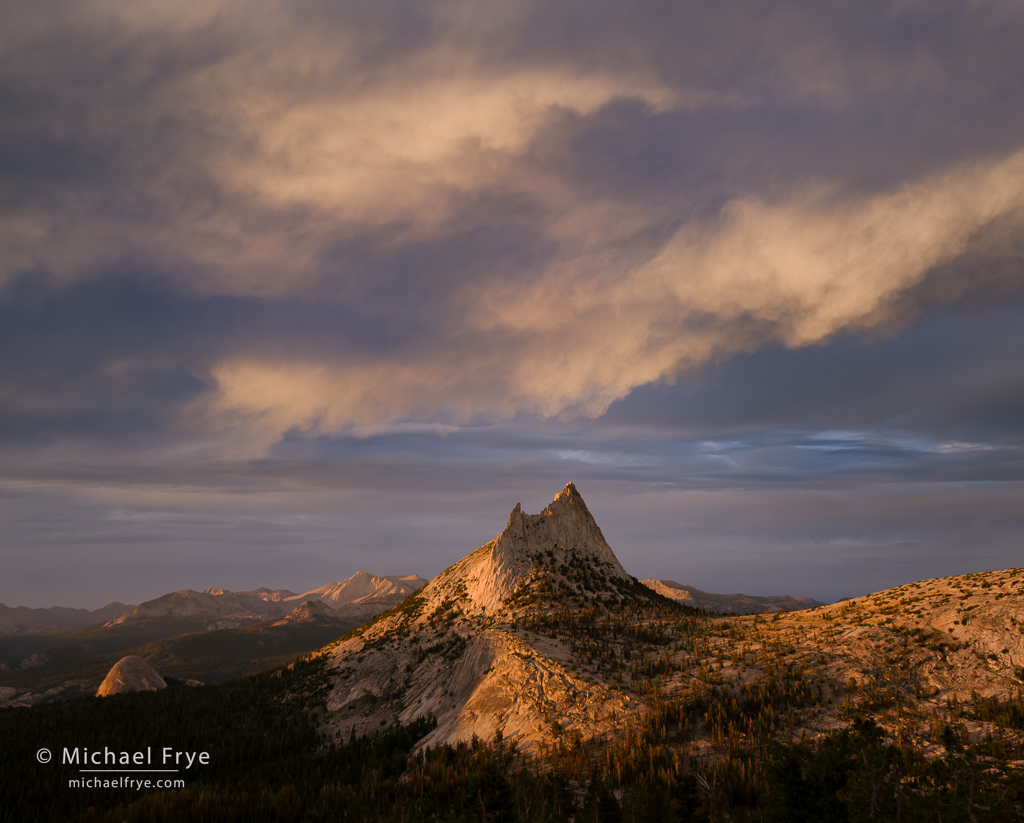
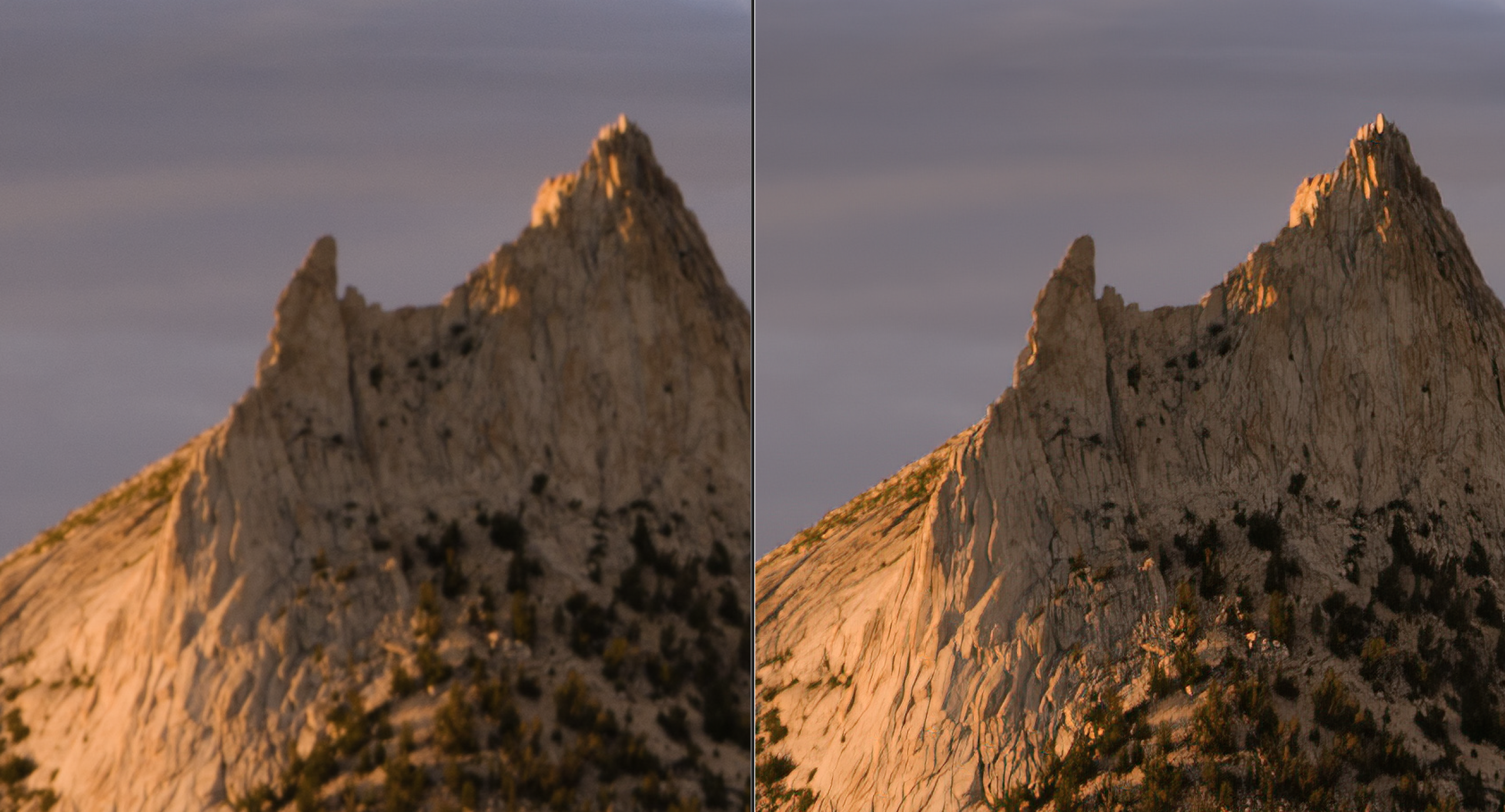
Everyone makes mistakes! I somehow missed the focus on this photograph from the Yosemite high country. Fortunately I was able to rescue it and achieve acceptible sharpness using AI-powered tools. The screenshot below shows a 200% view of the prominent peak, with the original, out-of-focus version on the left, and the rescued version on the right.
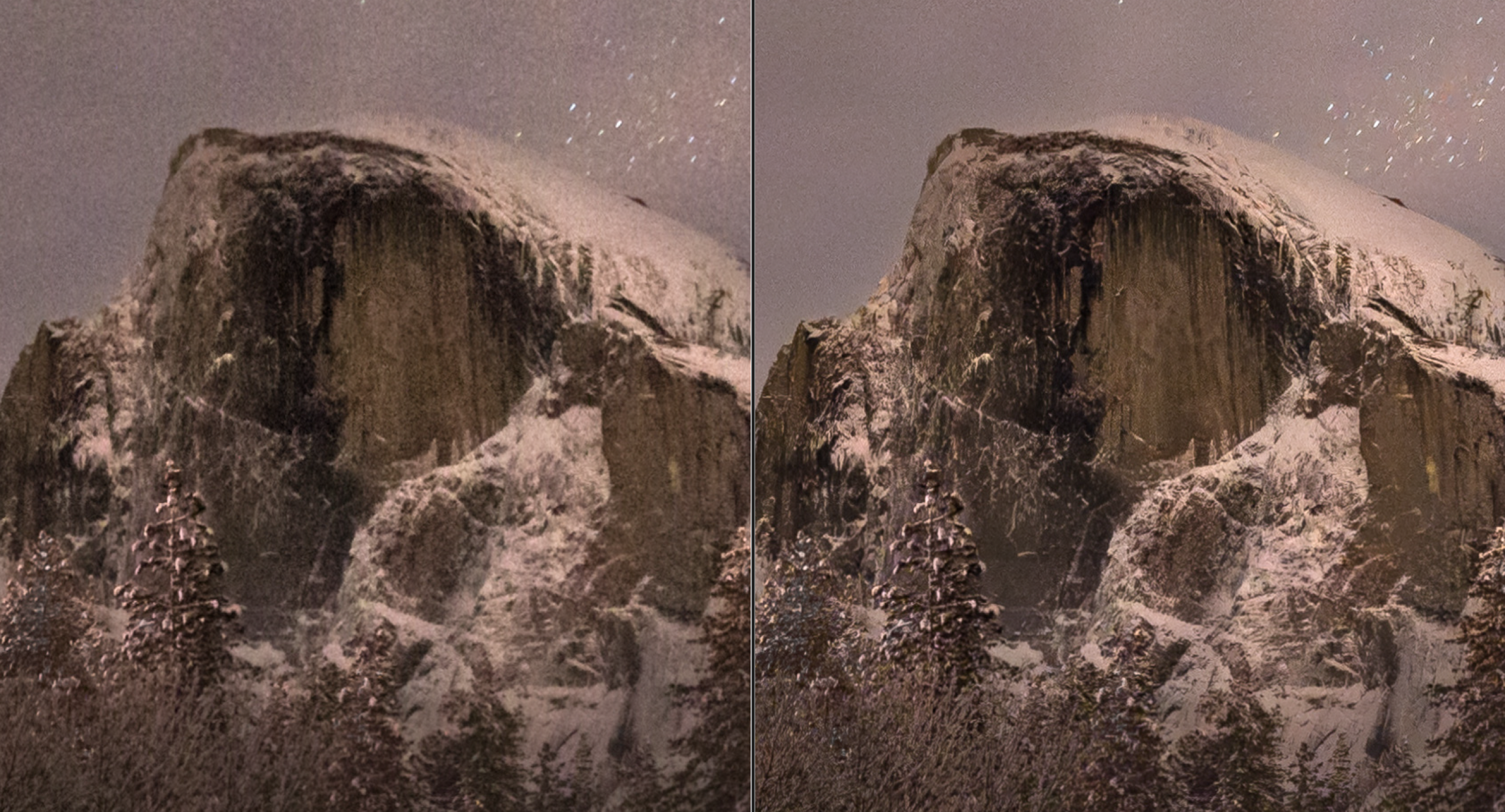
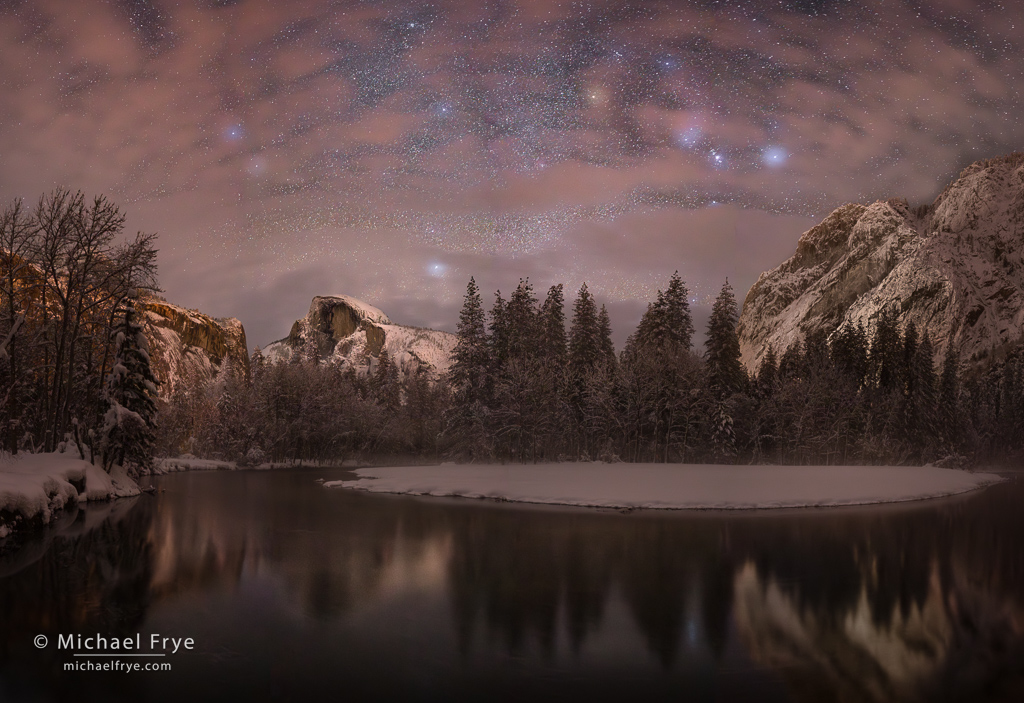
It’s hard to avoid noise in nighttime photographs. This image of Half Dome and the Merced River was made at 3200 ISO, so it’s pretty noisy, as you can see from a 200% view of the original image on the left below. But AI-powered noise reduction was able to clean it up nicely, and even increase the apparent detail, as you can see from the version on the right below. During the webinar we’ll compare some of the latest noise-reduction software, and discuss the best ways of using it to get minimal noise with maximum sharpness – while avoiding nasty artifacts.